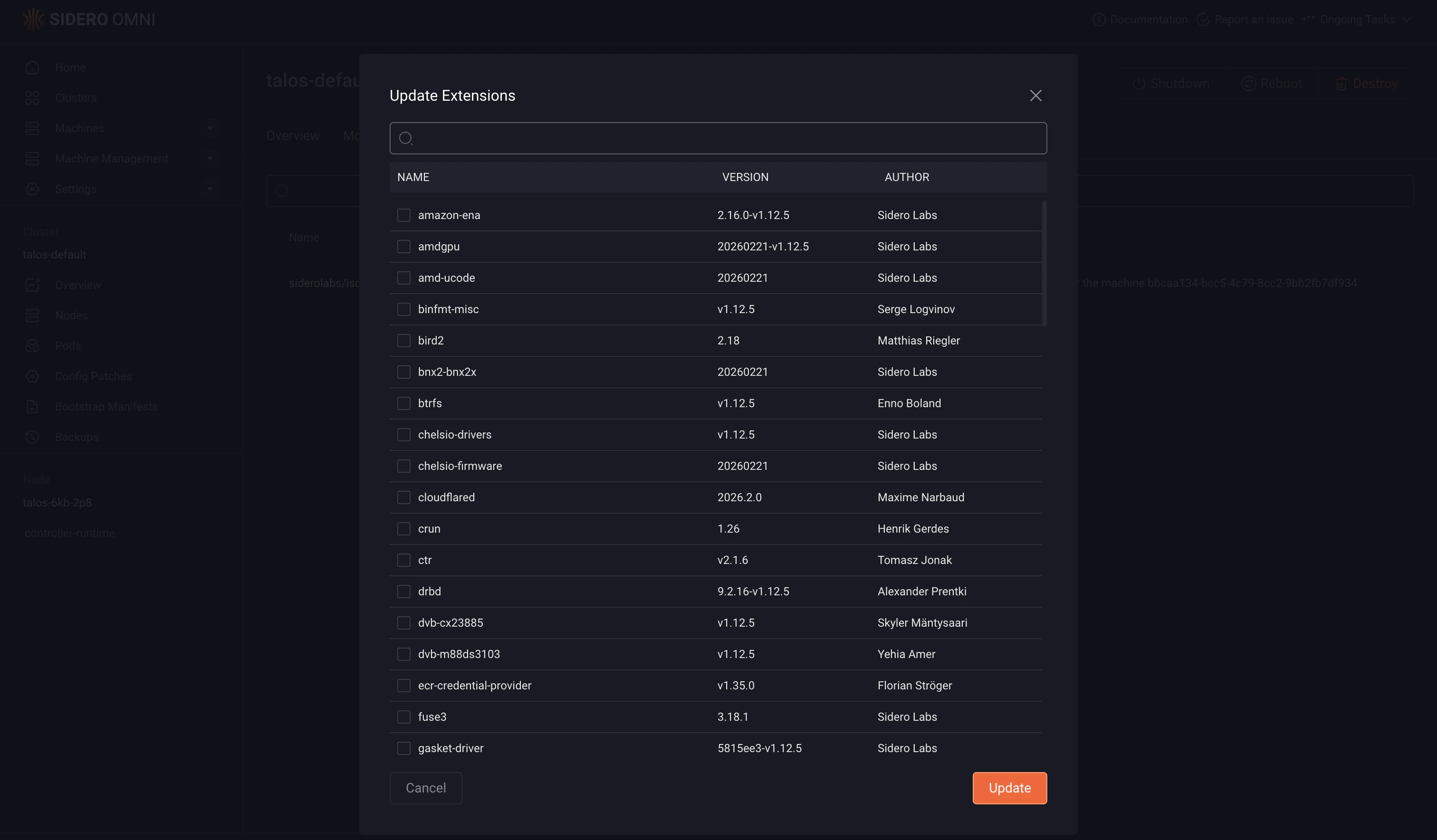
- CLI
- UI
You can add Talos Linux system extensions to your machines by defining them in the machine configuration within your cluster template.Use the After defining your cluster template, validate it using:If the validation succeeds, sync the template to apply the configuration to your Omni instance:After syncing, the control plane will have the
systemExtensions field in your cluster template to specify which extensions to install. For more details, see the Cluster Templates reference documentation.The code block below defines the configuration for a cluster named example, including system extensions for both control plane and worker machines.The worker machine is configured with NVIDIA-related extensions, includingnvidia-container-toolkit, nvidia-fabricmanager, nvidia-open-gpu-kernel-modules, and nonfree-kmod-nvidia.hello-world-service extension installed, while the worker machine will include the NVIDIA-related extensions.