

 Talos
Talos Omni
Omni Kubernetes Guides
- All machines in a cluster
- Control plane nodes
- Worker nodes
- Individual machines
Create and apply a configuration patch
To create and apply a configuration patch in Omni:- Select the Clusters tab in the left-hand menu.
-
Open the cluster menu (⋯) and select Config Patches.

- Open a specific cluster
- Select Config Patches from the right-hand panel
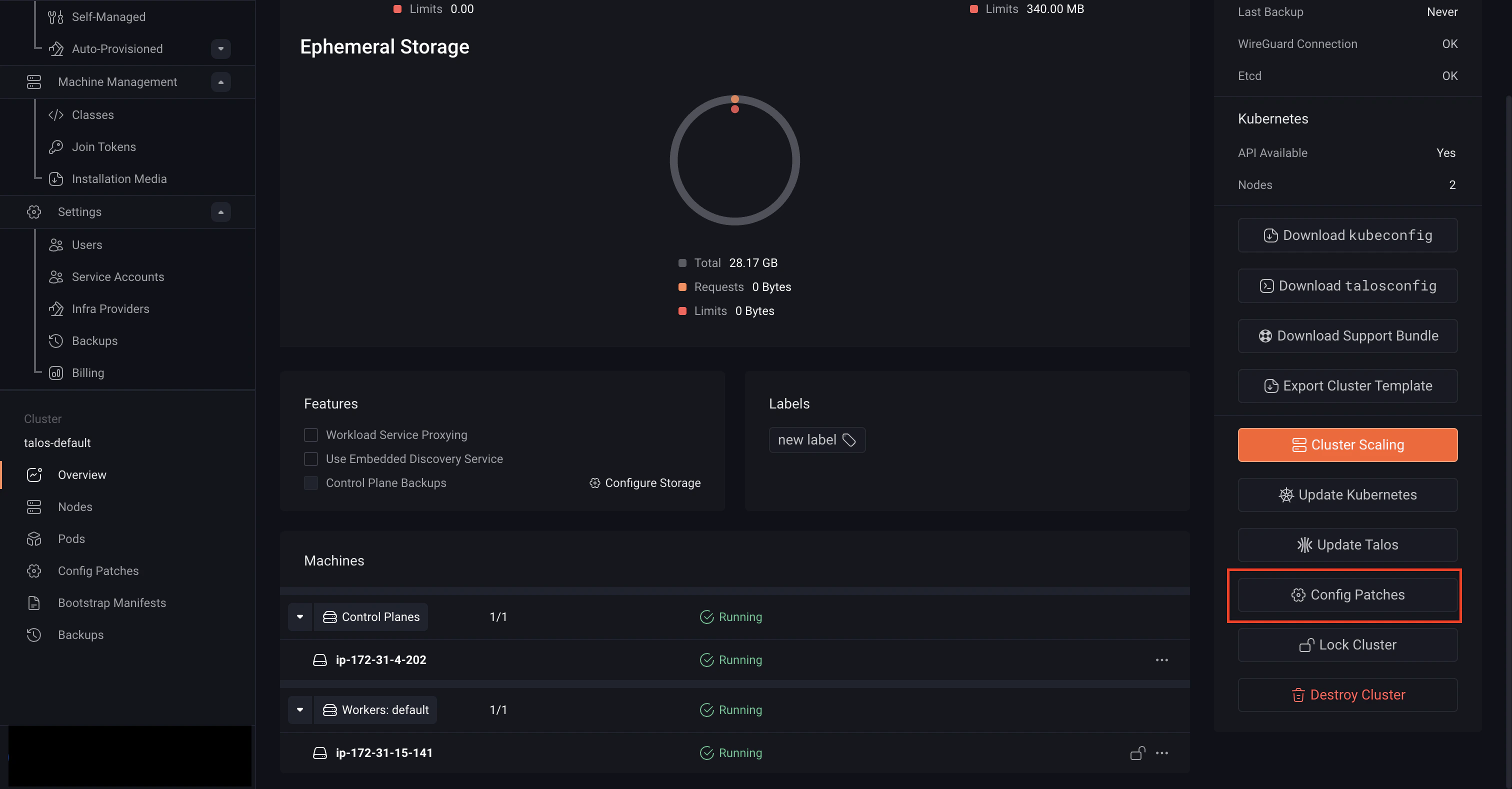
-
Click Create Patch.
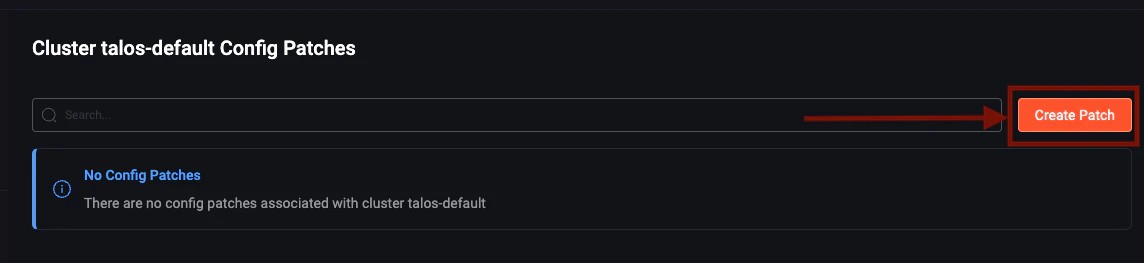
-
Select a target from the Patch Target dropdown.
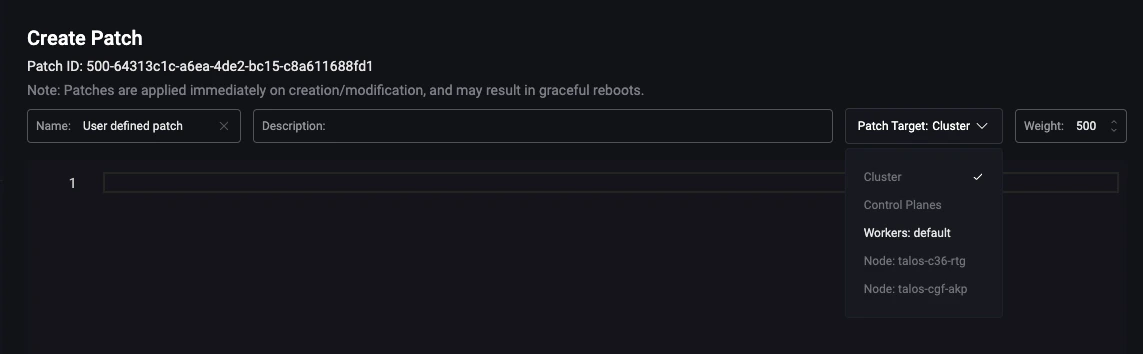
-
Enter your configuration patch.

- Click Save to create the patch.
Review Configuration Changes
Starting with Omni v1.6.0, you can use the configuration diff view to review both pending and applied changes. To view these changes:- Select a machine in your cluster
- Navigate to the Config History tab
